
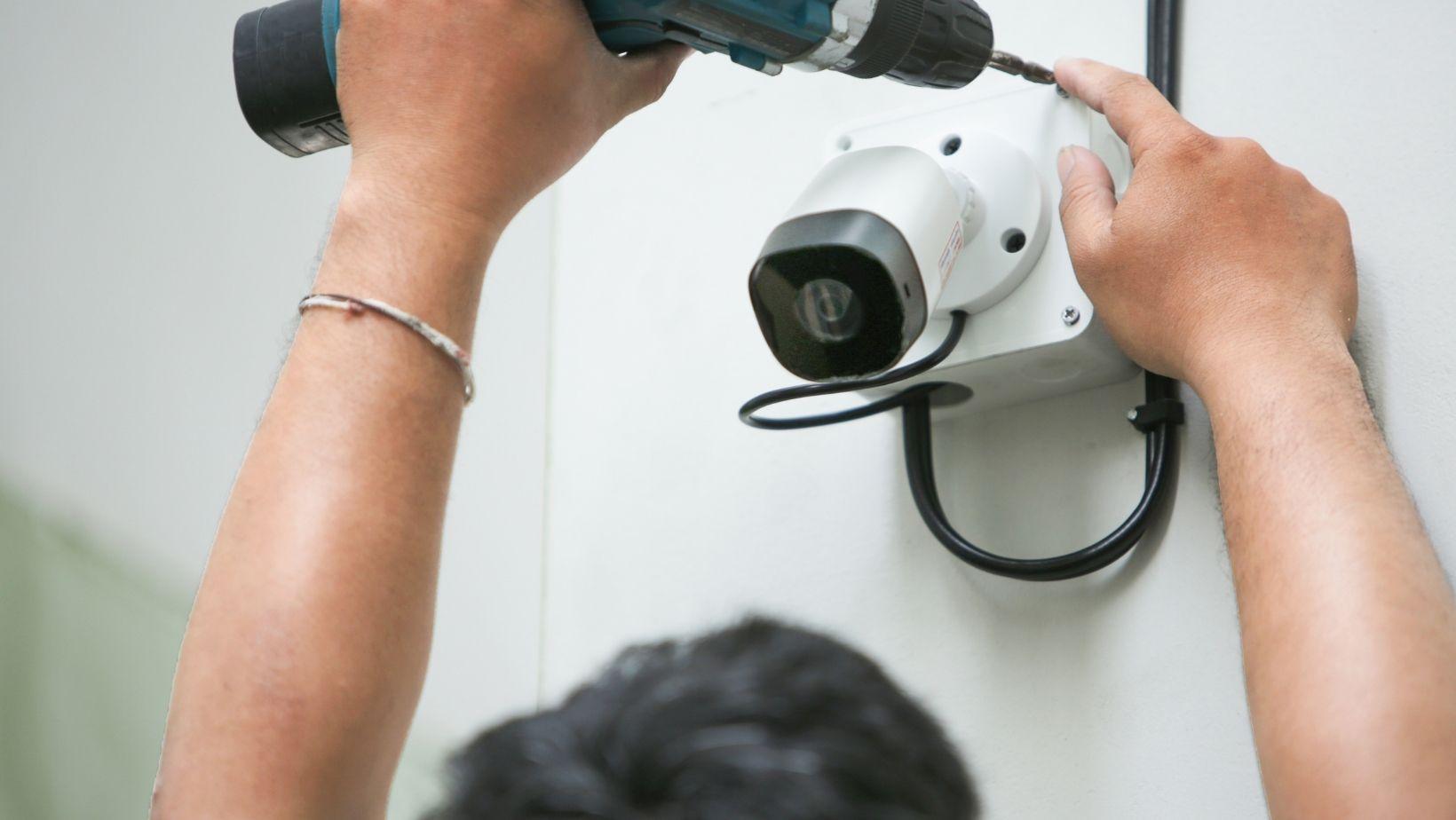

The advantages of a security system may be obvious on the drawing board and in the plans, but when it comes to the actual installation, it could be a nightmare if the cameras are placed in the wrong locations, the wiring is cluttered, or the access codes are incompatible with the building operation.
Key Tech takes care of that before it’s live. The team inspects the location, designs the low voltage infrastructure, installs and configures the equipment, tests it and remains on standby after completion.
Table of Contents
ToggleWhat is the Key Tech Security Installation Process?
The process starts before any hole has been drilled or any cable has been run. Key Tech needs to discover how your building is organized and what is required from the security system.
Step 1: Consultation and Site Assessment
Your explaination of what you require assistance with is followed by a technicians visit to assess your needs on site. This could involve examining doors, entrances, existing wiring, camera placement, existing equipment and access points where control needs to be tightened.
The quality of the building is as important as the quality of the equipment that you would like to install.
Step 2: System Design and Proposal
Key Tech employs that site visit to determine what equipment is appropriate, where it should be located, and what type of work must be done. The proposal then states the system requirements, scope and costs.
Step 3: Installation, Configuration and Testing
Then, Key Tech does the low-voltage wiring, installs the hardware, programs the settings and tests the completed system before you put it into use.
Why Does Key Tech Assess the Property Before Installation?
Key Tech needs to see the building before it can decide what will actually work there. A floor plan or equipment list cannot show everything that matters.
- At the doors: What locks are already there? Where can the wiring run? Which entrances need tighter control?
- For cameras: Which areas need coverage? Where are the weak spots? Which camera positions will give a useful view?
- At the intercom: What entrance hardware is already in place, and how will the new system connect with the door controls?
- For automation: Is the existing power, network, and low-voltage infrastructure ready for the systems you want to connect?
That visit gives Key Tech the information it needs to design around your actual property instead of guessing from a product list.
What Is Included in a Key Tech Security System Installation?
The work changes depending on the system, because a controlled door, a camera network, and an intercom entrance all need different hardware and different setup.
Access Control Installation
For access control systems, Key Tech deals with the whole door setup. That can include controllers, card readers, electric strikes, magnetic locks, mobile credentials, and the low-voltage wiring behind them.
The team also programs users, schedules, and access levels so each door follows the rules you set.
Video Surveillance Installation
Camera installation starts with placement. Key Tech checks where cameras will actually give you useful coverage, then runs the wiring, installs the cameras and recording equipment, and sets up recording, playback, and remote viewing.
Video Intercom Installation
With intercoms, Key Tech handles the entrance hardware and wiring, then sets up tenant directories, access programming, and remote unlocking. If the building already uses access control, the intercom can be connected to it so the door release works through the same entry system.
What Support Does Key Tech Provide After Installation?
Key Tech stays involved after the system is installed, which matters when equipment needs support or the property changes later.
|
Support Area |
What You Get |
Why It Matters |
|
Technical support |
Help with installed systems after handoff |
You have someone to contact if a system needs attention |
|
Warranty |
Official 2-year manufacturer’s warranty |
Covered equipment has manufacturer-backed protection |
|
Ongoing system support |
Assistance with the systems Key Tech installed |
Useful when settings, users, or access needs change |
|
Future expansion |
Systems planned so more doors, cameras, users, or integrations can be added |
You can expand the setup without replacing everything |
Conclusion
What sets Key Tech apart is the amount of work that happens before and after the hardware goes in. Your property is assessed first, then the system is designed, wired, configured, and tested around the way the building actually works. You also have support after installation, so the finished system is not just installed and left for you to figure out.
Frequently Asked Questions
What happens during a Key Tech security site assessment?
A technician looks at the parts of the property that will affect the installation, such as doors, entry points, existing wiring, camera coverage, current equipment, and low-voltage infrastructure.
What does Key Tech include in a security system installation?
The exact work depends on the system, but Key Tech can handle low-voltage wiring, equipment mounting, hardware connections, system configuration, access programming, recording setup, remote features, and final testing.
Does Key Tech test security systems before handoff?
Yes. Key Tech includes configuration and performance checks as part of the installation, so the system can be checked before you begin using it day to day.
What warranty and support does Key Tech provide?
Key Tech provides dedicated technical support after installation and an official 2-year manufacturer’s warranty. Its systems are also planned with future expansion in mind, which gives you room to add equipment or integrations later.