


Google Chrome might be the most popular browser on the planet, but it is not exactly a fortress of privacy right out of the box. There are a lot of risks to your data every day: persistent ad trackers, geographical limitations, and the dangers of public wi-fi. A full-blown desktop VPN can be excellent for whole-system protection, but at times it seems to be excessive—slowing down your connection and exhausting your device’s battery life to simply read news and check email.
This is where a special browser extension can help. A lightweight proxy or VPN extension secures your web traffic directly within Chrome, masking your IP address and encrypting your data without bogging down your entire operating system. To make the best choice, you should look for tools that can provide you with WebRTC leak protection, a strict no-logs policy, and a sufficient number of servers for smooth streaming and browsing.
To help you lock down your online footprint directly from your toolbar, we have evaluated the top privacy tools available right now. Here is a look at the best extensions to keep your Chrome browsing secure.
1. Browsec VPN
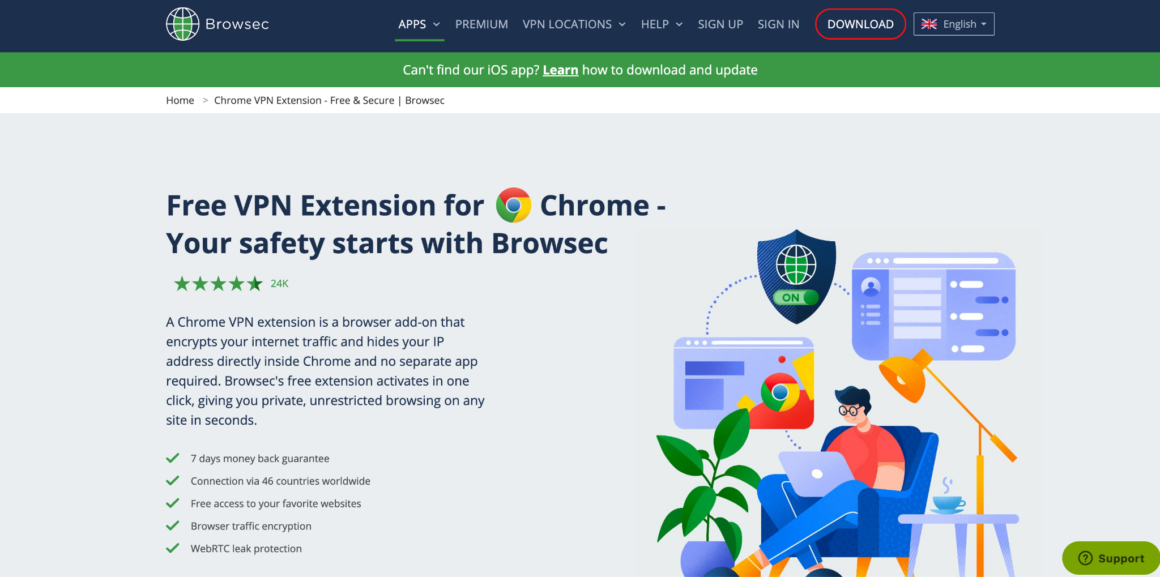
When it comes to securing your daily web traffic without complicating your setup, the Browsec Chrome VPN extension takes the top spot. It’s designed for people who want the privacy they need, right from their browser toolbar and with plenty of security – without having to sacrifice speed. From masking your IP address when you’re out for a coffee to overcoming geographical barriers to access, this simple add-on gets the job done without compromising your data’s security and privacy.
- Smart Settings: Customize your privacy by setting per-site rules, allowing your banking site to connect directly while everything else remains encrypted.
- WebRTC Leak Protection: Automatically disables WebRTC protocols within Chrome so your true IP address is never accidentally exposed to trackers.
- Global Accessibility: Offers stable, high-speed access to virtual locations across more than 46 countries.
- Bank-Grade Encryption: Secures your browser traffic with AES-256 encryption, completely shielding you from data sniffers on public networks.
2. NordVPN
NordVPN brings the power of its massive infrastructure straight to your Chrome browser. It’s best suited for users who wish for additional security levels to be integrated within their regular online surfing without having to start a significant desktop application.
- Threat Protection Lite: Blocks intrusive ads, malicious websites, and harmful links automatically before they even open.
- Split Tunneling: Excluding certain URLs from the secure tunnel is a breeze right from the extension.
- Extensive Network: Connect to over 5,000 servers globally for reliable and fast browsing speeds.
3. Surfshark
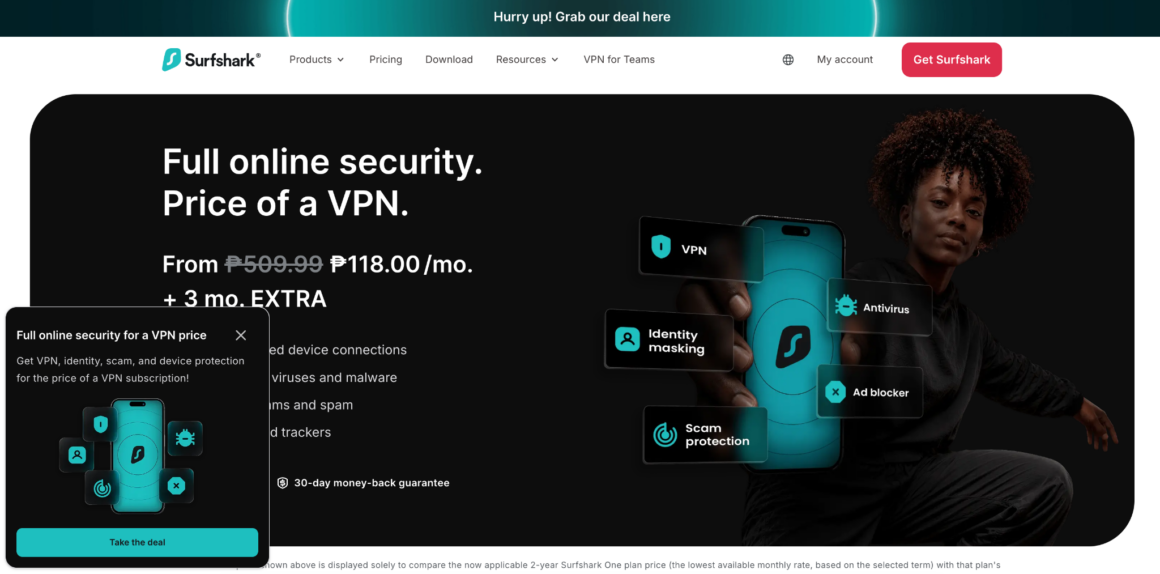
Surfshark is a highly versatile option that stands out for its budget-friendly pricing and feature-rich Chrome extension. It is a fantastic pick for digital nomads or households that want to block aggressive trackers while accessing global content.
- CleanWeb Technology: Built directly into the extension to stop malware, phishing attempts, and ads in their tracks.
- Cookie Pop-up Blocker: Automatically dismisses annoying cookie consent banners across the web.
- Audited Infrastructure: The extension has been independently audited to verify its privacy and security claims.
4. ExpressVPN
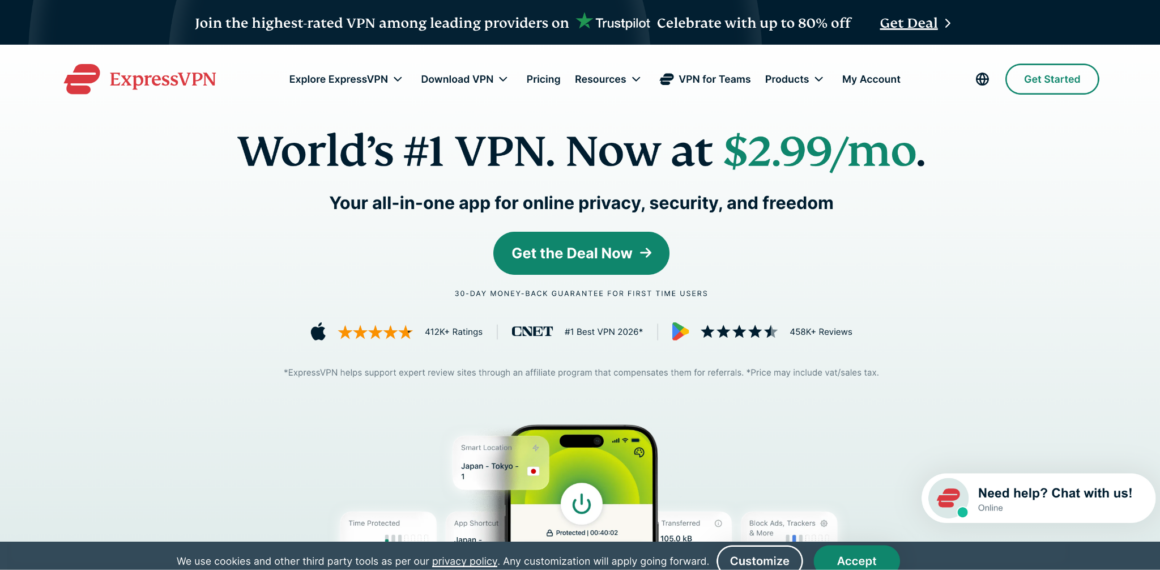
ExpressVPN offers a premium, high-speed extension that actually acts as a remote control for its desktop app. It’s targeted at power users who want the highest level of security for their money and want to place a premium on performance and privacy.
- HTML5 Geolocation Spoofing: Hides your physical location from websites that try to bypass your masked IP using HTML5 geolocation.
- HTTPS Everywhere: Automatically forces websites to connect via the more secure HTTPS protocol whenever available.
- TrustedServer Technology: Operates exclusively on RAM-only servers to ensure no browsing data is ever stored on a hard drive.
5. Proton VPN
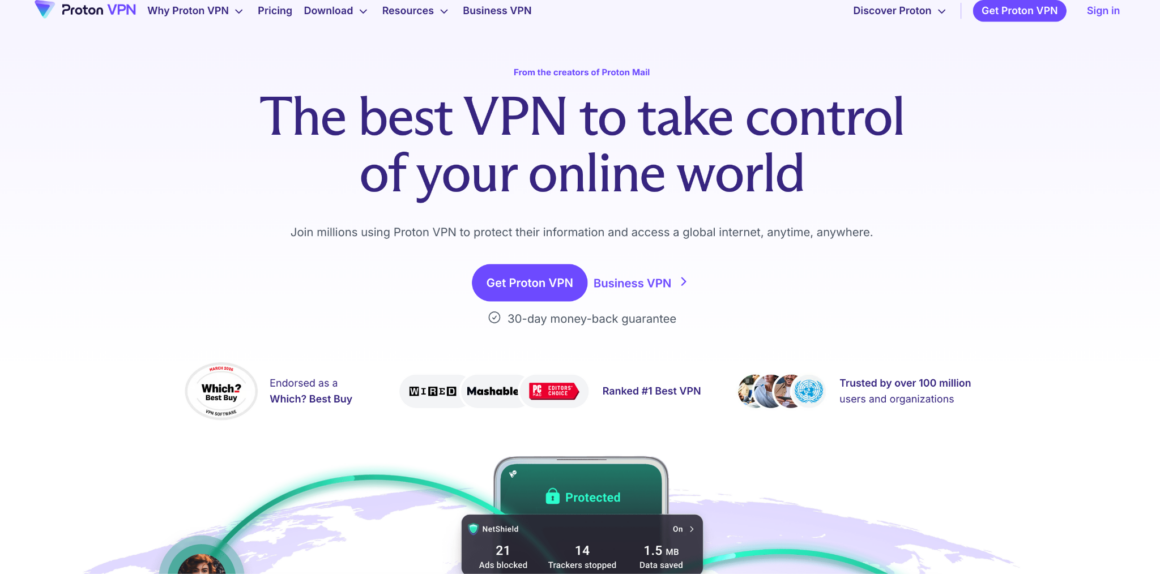
Developed by a team of Swiss scientists, Proton VPN is known for its uncompromising stance on privacy and open-source transparency. For journalists, activists or those who prioritize privacy but don’t know about this trusted free tier, it’s the perfect solution.
- No Data Limits: The free version offers unlimited bandwidth, a rarity among premium VPN providers.
- Strict Swiss Privacy Laws: Operates under some of the strongest privacy jurisdictions in the world.
- Open-Source Audits: The extension code is completely open-source and regularly verified by independent security experts.
6. Windscribe

Windscribe offers a clever, feature-packed Chrome extension that works well as both a proxy and a tracker blocker. It’s a fantastic option for those who desire a highly customizable freemium service with good ad-blocking options.
- Generous Free Plan: Provides up to 10GB of free encrypted data per month if you register with an email address.
- Malware & Ad Blocker: A customizable tool that efficiently blocks ads, trackers, and malicious domains directly in the browser.
- Time Warp Feature: Changes your browser’s time zone to match the server you are connected to, preventing advanced tracking.
7. CyberGhost
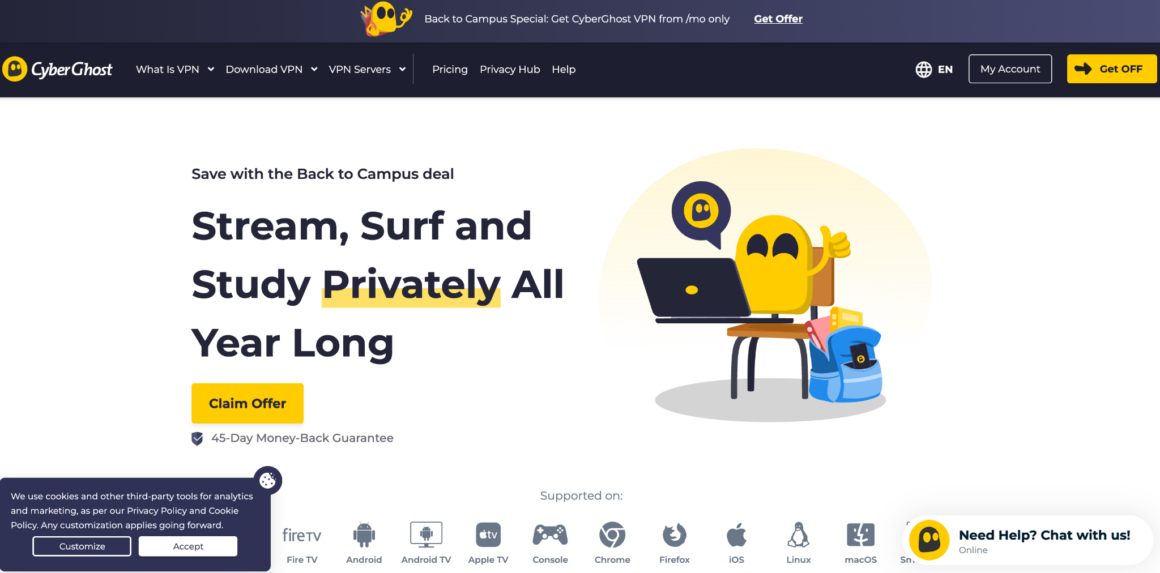
CyberGhost provides a remarkably simple, completely free Chrome extension that requires no registration or login to use. Ideal for users who are new to the internet and want to use it to access common web pages without getting too lost in the details.
- No Account Required: Simply install the add-on and connect immediately without handing over an email address or credit card.
- Malicious Site Blocking: Includes basic protections to stop you from navigating to known harmful URLs.
- User-Friendly Interface: Features a large, intuitive on/off button that makes securing your connection effortless.
What to Look for When Choosing a VPN Extension for Chrome
There are many different browser add-ons, and a poorly designed proxy can sometimes do more damage that benefit by leaking your data. When evaluating your options, keep these critical factors in mind:
- WebRTC Leak Protection: Chrome uses WebRTC for real-time communication (like voice and video calls), but it can easily leak your real IP address even when a proxy is active. This vulnerability is specifically blocked by the best extensions.
- Performance and Speed: A browser extension should be lightweight. Check out how the company has optimized their web servers for fast page loads so you do not end up with a crawling website while loading media-intensive websites.
- Privacy Policies: Even if a tool reveals your IP address to a site, the software publisher may be watching. To make sure that no one is tracking or selling your browsing history, always select a service that has a strict no-logs policy.
- Ease of Use: You want an extension that integrates smoothly into your workflow. On-the-fly privacy controls such as per-site rules, auto-connect, and 1-click toggles make it much easier to manage your privacy.
Conclusion
One of the best ways to safeguard your web traffic directly in Google Chrome is to provide protection without needing to install a vast system-wide application. Browser extensions are a convenient and easy-to-use tool to use to hide your IP, bypass location restrictions, and block intrusive trackers while surfing regular sites.
As you weigh your options, prioritize extensions that actively prevent WebRTC leaks, maintain strict no-logs policies, and integrate smoothly into your browsing workflow with features like per-site controls or quick toggles. By spending a matter of minutes setting up a reliable browser program, you will be able to surf the web much more quickly, more cleanly, and much more privately the next time.