
Buying a graphics card is confusing, and GPU manufacturers don’t exactly make it easier. Every release comes with a new naming convention, a fresh set of benchmarks, and marketing that tells you this is the card you’ve been waiting for. So let’s cut through it.
Table of Contents
ToggleWhat you’re actually paying for
The GPU does the heavy lifting for everything visual in your games. Frame rates, resolution, how good the shadows look, whether ray tracing melts your system or runs smoothly. No other component has as direct an impact on how your games feel to play.
The question isn’t really “which GPU is best” because that answer changes depending on what monitor you have, what games you play, and what you’re willing to spend.
Resolution first, everything else second
Before you look at a single spec, figure out what resolution you’re gaming at.
Playing at 1080p on a 60hz monitor? A mid-range card will serve you well and you don’t need to spend big. Competitive gaming at high refresh rates? Frame rate matters more than eye candy, so look at raw performance numbers. 1440p or 4K with settings maxed out? Now you’re spending properly.
A lot of people buy more GPU than they need for their setup. Don’t pay for 4K performance if you’re gaming on a 1080p screen.
VRAM matters more than it used to
Modern games are eating VRAM at a rate that would have seemed absurd a few years ago. 8GB is the floor right now, and even that’s starting to show cracks in some newer titles. If you’re buying something you want to last, 12GB is a safer bet and 16GB gives you room.
NVIDIA, AMD, or Intel
NVIDIA’s DLSS upscaling technology is genuinely good. If you’re gaming at high resolutions, being able to render at a lower resolution and upscale cleanly gets you real performance headroom. Their driver support is also the most consistent.
AMD has been competitive for a while now and usually offers stronger value in the mid-range. FSR (their version of upscaling) works across more hardware but the quality gap with DLSS is real, even if it’s narrowed.
Intel Arc is worth a look if you’re budget conscious. The cards have improved a lot and the price to performance is hard to ignore, though driver stability still occasionally causes headaches.
What about workstation GPUs?
You might come across workstation and professional graphics cards while researching. These are a different category built for rendering, AI workloads, and professional software rather than gaming. They’re not what you want for a gaming rig, but the same architecture behind your gaming GPU powers them. Worth knowing about if you ever move into 3D work or content creation.
Cooling is boring until it isn’t
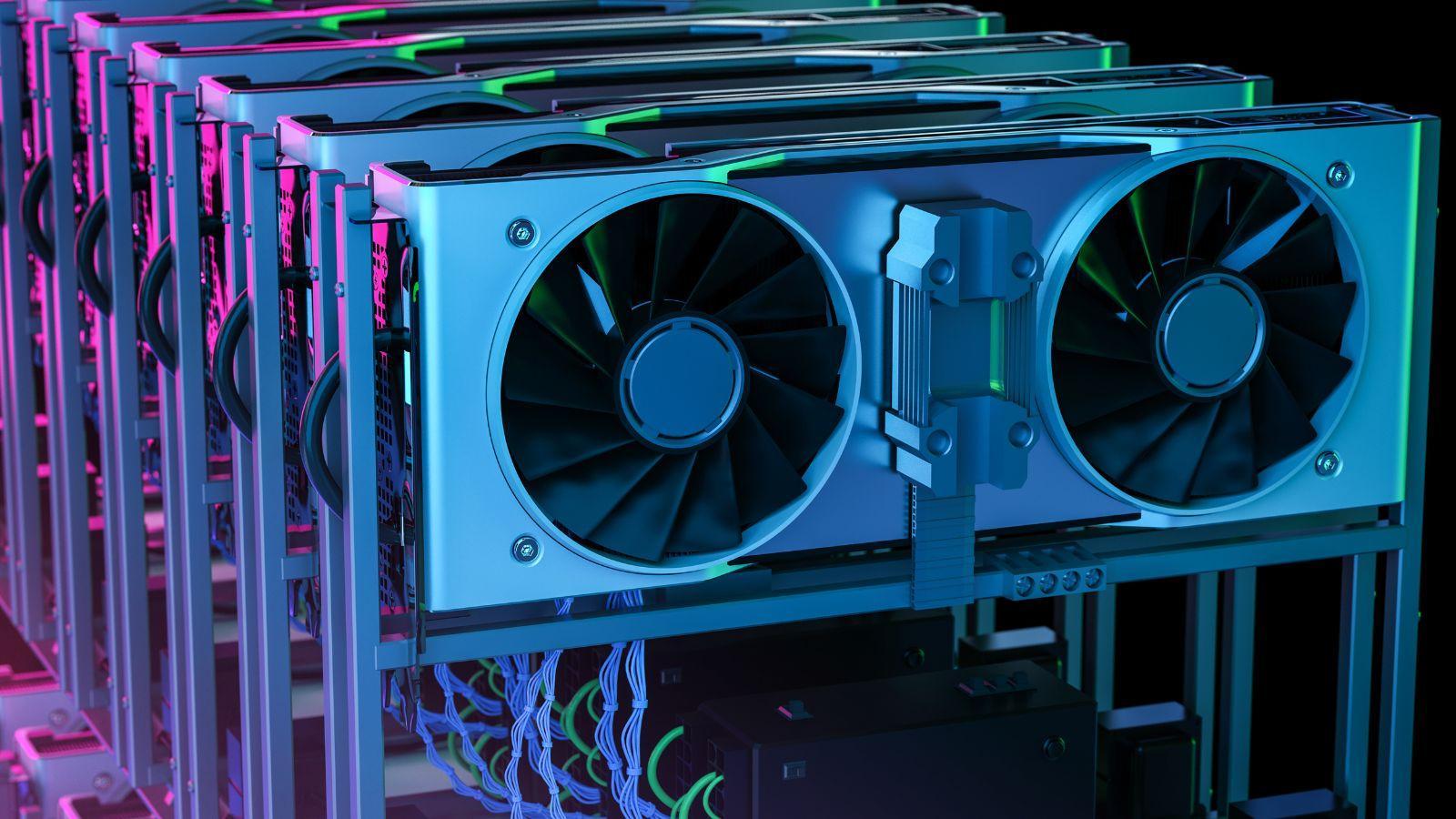
A GPU that runs too hot will throttle its own performance to protect itself. You won’t always notice it happening but you’ll notice the inconsistency. If you’re putting a powerful card in a small case, make sure you have airflow to match. Check reviews that cover thermals, not just benchmark numbers.
Keep it simple
Pick your resolution. Set your budget. Find the card that handles that resolution comfortably within that budget, with at least 12GB of VRAM. Read a few benchmarks for games you actually play rather than synthetic tests.
That’s genuinely most of what you need to know.