
You’ve probably heard the buzz around 3D scanning technology. It’s transforming how industries capture and visualize spaces. From construction sites to manufacturing floors, it’s now the go-to method for creating precise digital records. But success doesn’t come from the scanner alone. It depends on how well you prepare before the project begins.
If you want accurate results, efficient workflows, and deliverables that truly serve your goals, you need to plan ahead. Preparation saves time, prevents mistakes, and ensures your project delivers value. Let’s dive into the essentials so you can start strong and finish with confidence.
Understand the Technology
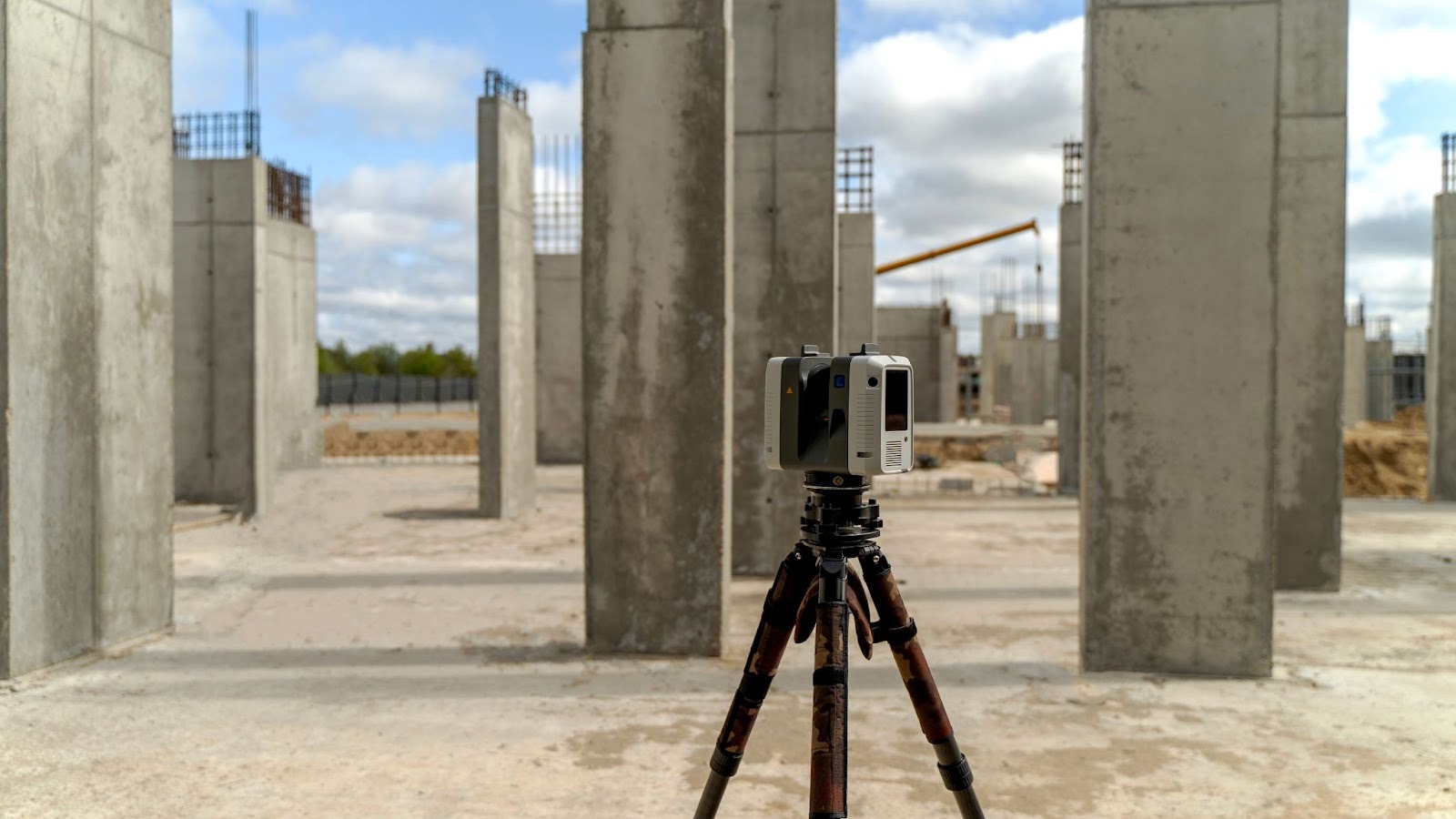
A laser scanner projects beams that bounce back to record millions of points. Those points form point cloud data, creating a detailed digital map of your environment. Tools range from portable devices to large‑scale systems, each suited to different project needs.
Applications vary. Construction teams use scans to document existing conditions before renovation. Heritage specialists rely on them to capture fragile structures without physical contact. Manufacturers turn to scans to create digital representations of parts for quality control. Seeing these different uses helps you understand how the technology can fit your project.
Define Your Project Goals
Every project should start with clarity. Are you documenting existing conditions, creating 3D models, or preparing CAD drawings? Some teams integrate scans into Building Information Models (BIM) for construction planning, while others use them for reverse engineering in manufacturing. Whatever the case, your goals shape everything: equipment choice, resolution, and deliverables.
If you’re unsure how to align those goals with the right approach, it’s wise to consult 3D Engineering or other specialized firms with expertise in advanced data capture techniques and the use of 3D laser scanners. Guidance from experienced professionals helps you avoid common pitfalls and ensures your project is matched with the right technology.
Choose the Right Equipment
Scanners differ in their capabilities, and the right choice depends on your environment and goals. Consider the following options:
- Handheld scanners: Flexible and portable, ideal for small objects or quick captures in tight spaces.
- Structured‑light scanners: Best for intricate details on smaller items, such as components or artifacts.
- Terrestrial laser scanners: Stationary units that deliver high precision for large sites like historic buildings or complex construction projects.
- Mobile LiDAR systems: Mounted on vehicles or drones, suited for rapid coverage of expansive areas such as factory floors or uneven outdoor terrain.
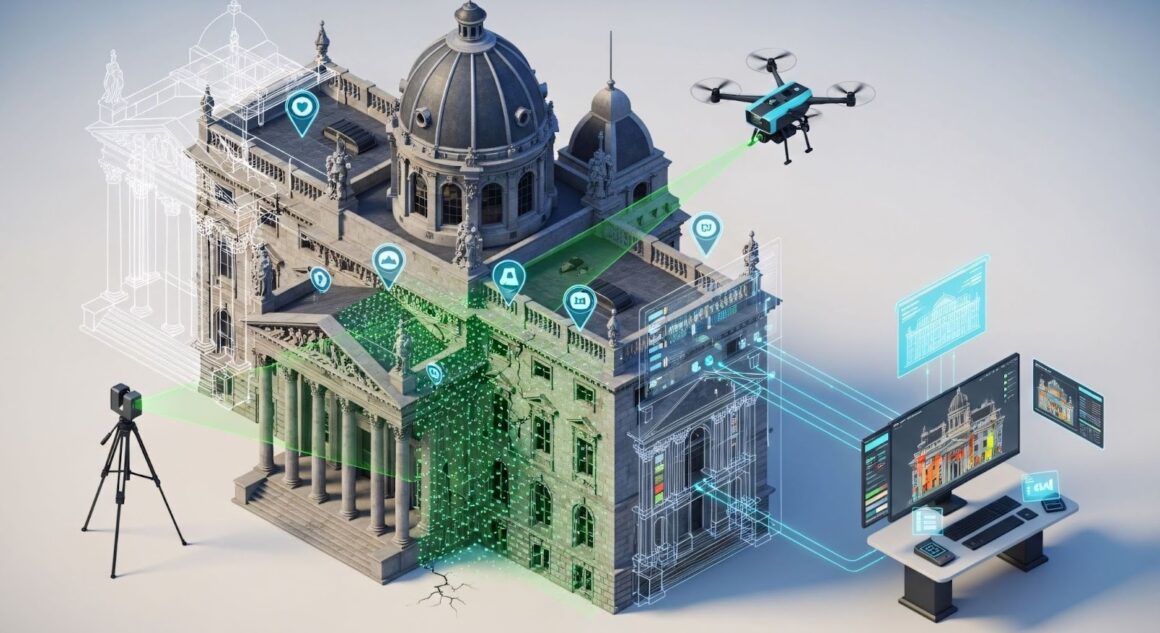
Choosing between speed and detail isn’t the only decision. You should also weigh portability, resolution, and software compatibility. The key is to match equipment to your environment so the results are accurate and usable without wasted effort.
Plan for Site Conditions
Site conditions often determine the quality and reliability of a 3D laser scanning project. Each environment presents its own challenges, and knowing what to expect helps you prepare effectively.
- Outdoors: Weather shifts like rain, fog, or direct sunlight can interfere with scans. Large sites or uneven terrain may require mobile units to ensure full coverage.
- Indoors: Reflective surfaces such as glass or polished metal scatter laser beams, while tight or crowded spaces demand careful equipment placement to capture reliable results.
Planning for these conditions allows you to adjust workflows, use protective covers, or schedule scans at optimal times.
Set Accuracy and Resolution Standards
Precision is the promise of scanning, but it comes at a cost. Higher resolution means larger files and longer processing times. Lower resolution speeds things up but may miss details. Decide early what level of accuracy you need.
For example, a CAD file used for fabrication requires fine detail, while a BIM plan for scheduling may not. Setting standards upfront avoids confusion and helps your team aim for the right level of detail.
Prepare Your Team
Assigning clear roles keeps the process efficient. One team member may handle scanner operation, another oversee data capture, and a third focus on safety. For instance, in active manufacturing floors, scanning must align with protective protocols to avoid disrupting operations.
Defined responsibilities reduce the risk of gaps, such as missing a section of the site, or overlaps, like duplicating scans of the same area. Strong preparation ensures the project runs smoothly and delivers reliable results.
Manage Your Data
Here’s where many projects stumble. Point cloud data files are massive. Without a plan, storage and organization quickly become overwhelming. Set up backups, naming conventions, and file formats. Think ahead about how scans will integrate with downstream tools like BIM or CAD.
Use cloud storage for accessibility, but also keep local backups for security. Create folders by project phase or location. Document metadata so future users know when and how scans were taken. Organized data management saves hours later.
Plan Your Budget and Timeline
Scanning projects often look simple, but hidden costs add up. Software licenses, training, and data storage all impact your budget. Timelines can stretch too, especially if you underestimate processing time. Build in buffers and plan realistically.
Processing a large point cloud data set may take days, not hours. Budgeting for extra storage or licenses prevents last-minute scrambles. Smart planning keeps your project efficient and predictable.
Plan for Deliverables
What do you want to hand over at the end? Options range from raw scans to polished CAD files or integrated BIM outputs.
A construction client might request a BIM file that links with scheduling software. Manufacturers often require CAD data tailored for machining. Cultural heritage projects, on the other hand, may call for a digital archive to safeguard fragile structures. Tailoring deliverables ensures your work meets real needs.
Conclusion
Starting a 3D laser scanning project isn’t solely about the technology. It’s about preparation, clarity, and teamwork. When you explore the tools, define your goals, and plan for conditions, you set yourself up for success.
Manage your data, budget wisely, and deliver exactly what your project demands. Do that, and you’ll walk away with more than files. You’ll have insights, accuracy, and confidence that your project is built on solid ground.